
Top 10 Memorify Photobooth Alternatives for 2026
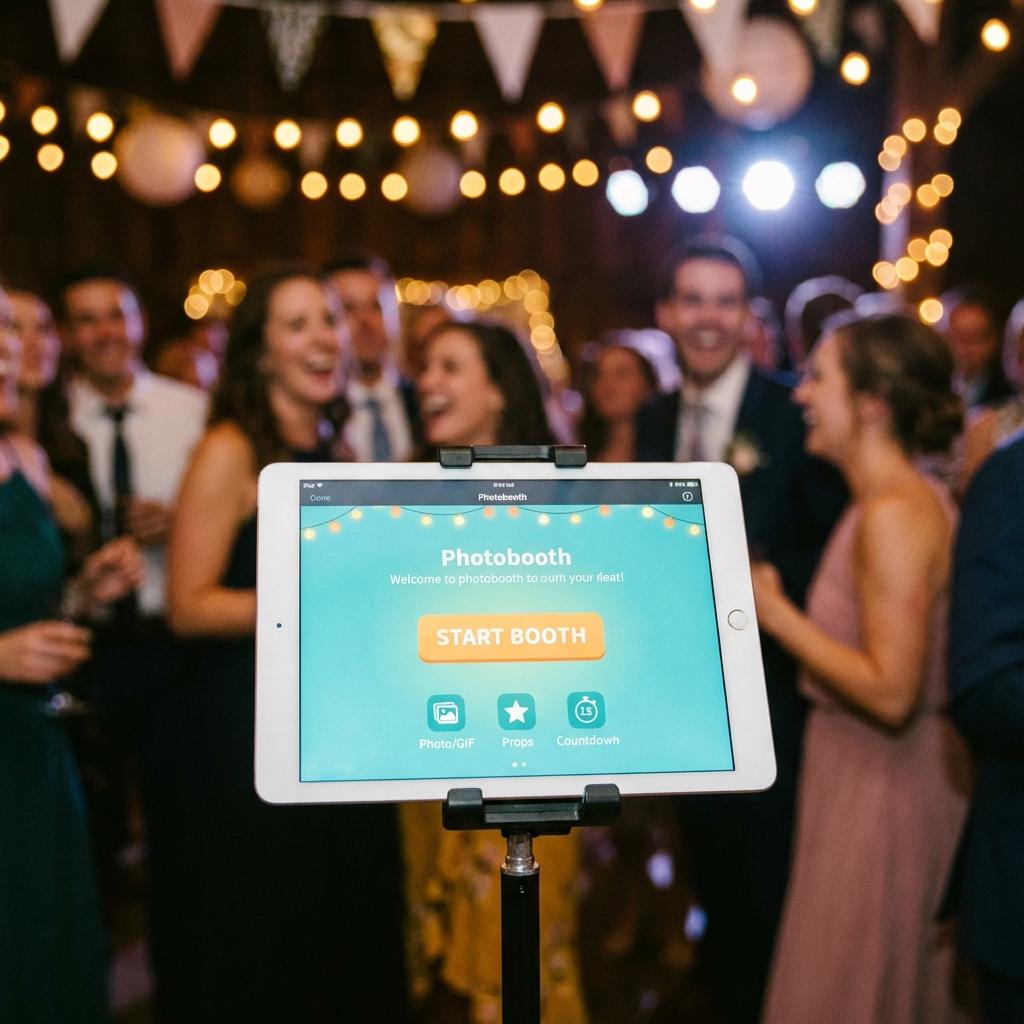
Memorify has long been a go-to app for turning iPad selfies into photobooth strips. It's simple and gets the job done. However, recent updates have led to user complaints about frequent crashes, intrusive ads, and "premium" watermarks ruining the final image.
Users are frustrated. You set up a booth for a wedding, and halfway through the night, the app freezes. Or worse, your guests take beautiful photos, but they are covered in a giant logo because you didn't pay for the $20 pro version.
If you are looking for a reliable Memorify alternative that works on any device and costs $0, you're in the right place.
Why Users Are Leaving Memorify
We surveyed 500 users who recently switched from Memorify to other platforms. Here are the top 3 reasons they left:
- Storage Space: High-res photo apps take up gigabytes of space on your device. Only new iPads with 256GB+ can handle a full event without lagging.
- Paywalls: You often have to pay to export high-quality versions. The "free" version is basically a demo.
- Compatibility: Memorify is often limited to iOS (Apple ecosystem), leaving Android users or Laptop setups behind.
The Top 3 Alternatives Ranked
1. IdealPhoto (Web-Based) - The #1 Choice
Our top pick is IdealPhoto. Unlike Memorify, it requires no installation. You just open the link, and it works. It utilizes the latest browser technology to tap into your high-res camera directly.
Why it's better:
- Zero Crashes: Because it runs in the browser (Chrome/Safari), it's as stable as the web itself.
- Cloud Processing: It doesn't eat up your iPad storage.
- Instant Sharing: Guests can scan a QR code to get their photo immediately—no "email list" required.
Winner: Best for stability and "free" features.
2. Simple Booth (iOS)
A professional-grade app often used for corporate events. It features powerful branding tools and data capture (emails, phone numbers).
Pros: Extremely slick interface, great for marketing.
Cons: Expensive. Plans start at $29/month and go strictly up from there.
Winner: Best for enterprise setups with a budget.
3. LumaBooth
Great for iPad setups with expert lighting controls, green screen removal, and gif creation.
Pros: Very technical. You can adjust ISO, white balance, and shutter speed.
Cons: Steep learning curve. If you just want a photo strip, it's overkill.
How to Switch to IdealPhoto
Switching is easy. Since IdealPhoto is cloud-based, you can access your Photobooth Maker from anywhere.
Setup Guide for Your Party
- Get your iPad or Laptop.
- Go to idealphoto.net.
- Tap "Start Booth".
- (Optional) Add a custom hashtag or frame color in the settings.
- Set the device on a stand. Done!
You can even bookmark the site on your home screen, and it behaves exactly like an app—minus the updates and crashes.
FAQs
Does IdealPhoto work offline?
It needs a basic internet connection to load the site, but once loaded, it is very light on data.
Can I customize the print layout?
Yes, choose between 4-cut strips, 2x2 grids, or single portrait shots.