
How to Make K-Pop Photocards Online: The Ultimate DIY Guide
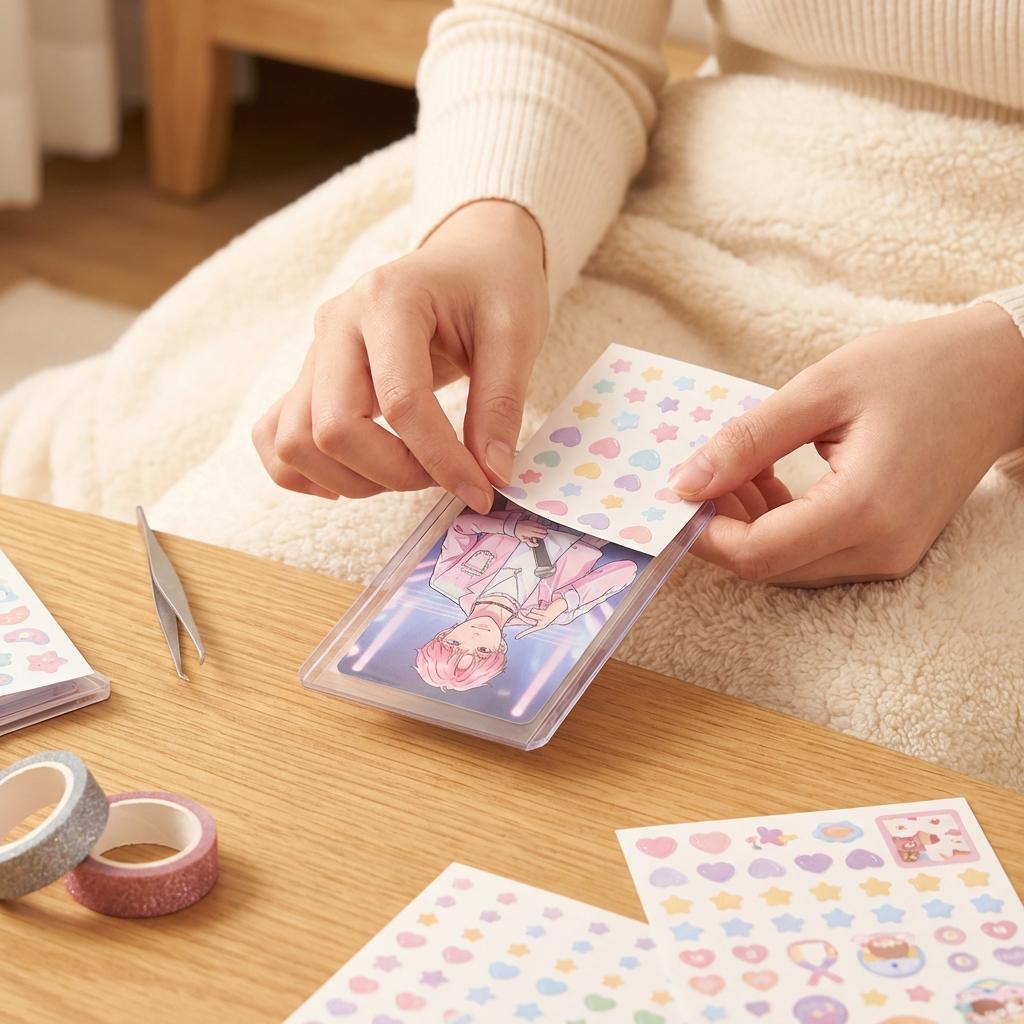
Collecting photocards (PCs) is an expensive hobby. A rare broadcast card can cost upwards of $300! But sometimes, you just want a cute photo of your bias in your phone case without breaking the bank. Or maybe you want to create "fan-made" freebies to give away at a cupsleeve event, similar to Easy4Cut styles.
Enter the world of DIY K-Pop Photocards. In this guide, we'll show you how to use the IdealPhoto Card Maker to design professional-quality PCs in minutes.
What You Need
- A High-Quality Photo: Use a fansite photo (with permission!), an official concept photo, or a cute selfie.
- IdealPhoto K-Pop Maker: Our free web tool.
- Printer & Photo Paper: Glossy 4x6 photo paper works best.
Step 1: Choose Your Base
Go to the K-Pop Photocard Maker. Upload your image. The tool will automatically suggest the standard photocard aspect ratio (55mm x 85mm). This is crucial! If you use a standard square crop, it won't fit in your collect book or binder.
Step 2: "Polco" Decoration
This is the fun part. "Polco" stands for "Polaroid Decoration." You don't need to buy expensive sticker sheets. IdealPhoto comes with hundreds of digital assets:
- Frames: Checkerboard, holographic gradients, and cute ribbons.
- Stickers: Confetti, bears, hearts, and glittering stars.
- Text: Add the date or your bias's name in cute hangul fonts.
Pro Tip: Don't cover the face! Place stickers around the edges to frame your idol.
Step 3: Download & Print
Download your design as a high-resolution PNG. To print, we recommend placing 9 cards on a single A4 sheet to save paper. Ideally, use a local print shop (like FedEx or a local pharmacy photo center) for the best color accuracy.
Why DIY?
DIY cards are special because they are unique to you. You can make cards for underexposed eras, specific outfits you loved, or even for your own friends! Plus, using a tool like IdealPhoto makes it free and easy.
Start your collection today. Open the Card Maker.