
Easy4Cut vs IdealPhoto: The Ultimate K-Pop Photobooth Comparison (2026)
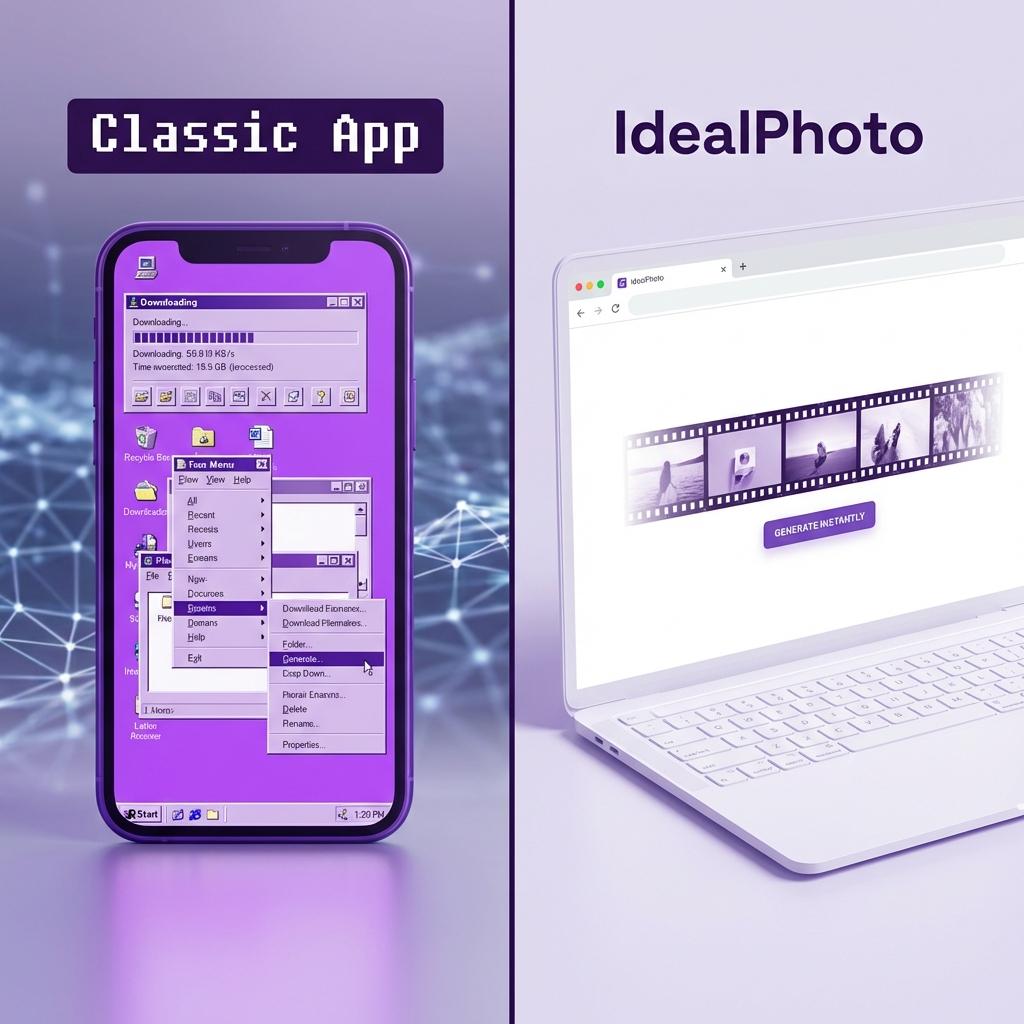
For K-Pop fans around the world, the "4-Cut" photo strip (or Insaengnecut) is more than just a souvenir—it's a cultural staple. Whether it's to commemorate a concert, celebrate a bias's birthday, or just document a hangout with friends, the photo strip is essential. Apps like Easy4Cut popularized the ability to create these strips digitally, mirroring the physical booths found in Hongdae and Gangnam. However, in 2026, a new contender has emerged: IdealPhoto.
Users are increasingly searching for an Easy4Cut alternative that is faster, free, and doesn't require bulky app downloads. In this comprehensive review, we pit the industry veteran Easy4Cut against the modern web-based challenger IdealPhoto to see which platform deserves your selfies.
1. Accessibility: App vs. Web
The biggest difference between the two platforms lies in how you access them. This fundamental difference dictates the entire user experience.
Easy4Cut: The App Barrier
Easy4Cut follows the traditional mobile app model. To use it, you must:
- Visit the App Store or Google Play Store.
- Download a large file (often exceeding 100MB with frame packs).
- Create an account or login using social media credentials.
- Grant permissions to your phone's camera, storage, and microphone.
This structure creates friction. If you are meeting friends and just want to take a quick photo, waiting for a download on a slow data connection is a mood killer. Furthermore, downloaded apps take up precious storage space on your device—space that could be used for more fancams!
IdealPhoto: Instant Access (PWA)
IdealPhoto takes a modern approach. It is built as a Progressive Web App (PWA), meaning it runs directly in your browser (Chrome, Safari, Edge, Firefox). There are no downloads, no logins, and no wait times. You simply go to the Online Photobooth page and start snapping immediately.
This accessibility makes it superior for desktop users who want to use their webcam, or for friends with full phone storage who can't download another app.
2. Cost and "Freemium" Traps
Everyone loves free stuff, but "free" apps often come with strings attached. Let's break down the hidden costs.
The Easy4Cut Monetization Model
Easy4Cut operates on a classic "Freemium" model. While the basic download is free, many of the best frames—especially the licensed K-Pop idol collaborations—are locked behind a paywall or require "coins" to unlock.
- Coin System: You may need to watch ads to earn coins or purchase them with real money.
- Watermarks: Free users often report frustration after creating a perfect strip only to find they need to pay to remove a large, intrusive watermark.
- Subscription Nags: The app frequently prompts users to upgrade to a "Pro" plan.
The IdealPhoto Promise
IdealPhoto is committed to being 100% free for the end user. Every feature, including our custom photobooth maker, premium filters, and K-Pop style frames, is unlocked by default.
- No Coins: Everything is available instantly.
- No Watermarks: We believe your photos belong to you. There are no watermarks on IdealPhoto downloads, ever.
- Unobtrusive Ads: We monetize via simple display ads on the site, ensuring that your creative flow is never blocked by a paywall.
3. Feature Deep Dive: What Can You Actually Do?
Let's look at the specific creative tools available on both platforms.
Frame Variety and Quality
Easy4Cut has a massive library of user-generated content, which is a strong point. If you want a very specific frame made by another fan, you might find it here. However, navigation can be chaotic, and quality varies wildly.
IdealPhoto focuses on high-quality, curated themes. We offer professional-grade designs organized into clear categories:
- Classic Wedding: Elegant black and white minimalist styles perfect for formal events.
- Y2K / 90s: Retro film grain, neon aesthetics, and "cyber" elements.
- K-Pop & Cute: Pastel colors, bears, ribbons, and "polco" (polaroid decoration) elements.
- Seasonal: Christmas, Halloween, and Valentine's layouts updated regularly.
If you specifically want to make idol merch, our K-Pop Photocard Maker offers specialized tools that Easy4Cut lacks, such as toploader decoration modes and standard photocard sizing guidance.
Privacy and Data Security
In an era of data leaks, privacy is paramount. Many apps silently upload your photos to cloud servers for processing or AI analysis.
IdealPhoto processes all images client-side. This means your photos never leave your device unless you actively choose to share them. The image generation happens in your browser's local memory, ensuring total privacy for your personal moments. Easy4Cut, as a cloud-connected app, often requires data transfer which inevitably carries a higher privacy risk.
4. User Experience Comparison Table
| Feature | Easy4Cut | IdealPhoto |
|---|---|---|
| Installation | Required (App Store) | None (Web Browser) |
| Cost | Freemium (Paid Frames) | 100% Free |
| Watermark | Yes (on free plan) | Never |
| Desktop Support | No (Mobile only) | Yes (Full Webcam Support) |
5. Conclusion: Which Should You Choose?
If you are a hardcore user who needs access to a specific, user-uploaded frame database and you don't mind paying for extras, Easy4Cut is a solid choice with a large community.
However, for 99% of users who want a quick, beautiful, and free photo strip without the hassle of installing software, IdealPhoto is the clear winner for 2026. Its accessibility, privacy-first approach, and complete lack of watermarks make it the modern standard for online photobooths.
Ready to try it yourself? Click here to start making your free photo strip now.
Frequently Asked Questions
Is IdealPhoto really free?
Yes, all features including high-res downloads and premium frames are free.
Can I use IdealPhoto on iPhone?
Absolutely. It runs perfectly in Safari. No app store download needed.
How do I save my photos?
Simply click the "Download" button after creating your strip. The image saves directly to your Photos app or Downloads folder.